
Google Slides Price Snapshot
Google Slides by Google is free to download on the Apple App Store, with no in-app purchases. It holds a 4.5★ rating from 37.8K reviews.
Latest IAP data: 2026-03-21. Listing last updated: 2026-03-09. Source: public Apple App Store data, compiled via the App Pricing Lab methodology.
4.5★
37.8K reviews
2014-08-26
Released
2026-03-09
Last Updated
Rankings
| Category | Collection | Rank | Date |
|---|---|---|---|
| BOOKS | top-free | #96 | 2026-05-15 |
| BUSINESS | top-free | #96 | 2026-05-15 |
| DEVELOPER_TOOLS | top-free | #96 | 2026-05-15 |
| EDUCATION | top-free | #96 | 2026-05-15 |
| ENTERTAINMENT | top-free | #96 | 2026-05-15 |
| BOOKS | top-free | #98 | 2026-05-14 |
| PRODUCTIVITY | top-free-ipad | #8 | 2026-03-12 |
| PRODUCTIVITY | top-free | #18 | 2026-03-12 |
| all | top-free-ipad | #46 | 2026-03-12 |
| all | top-free | #198 | 2026-03-12 |
Screenshots

About Google Slides
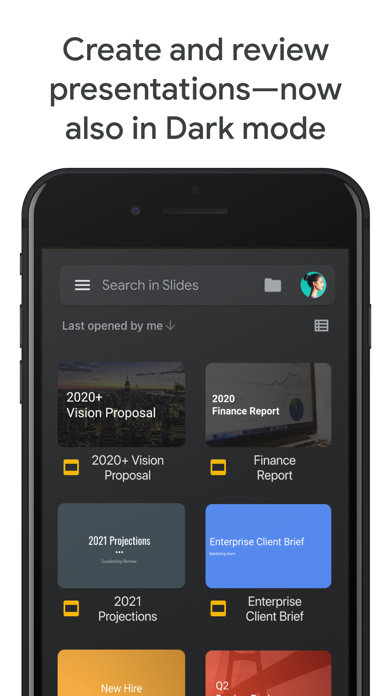
Create, edit, and collaborate on presentations with the Google Slides app. With Slides you can:
* Create new presentations or edit existing ones
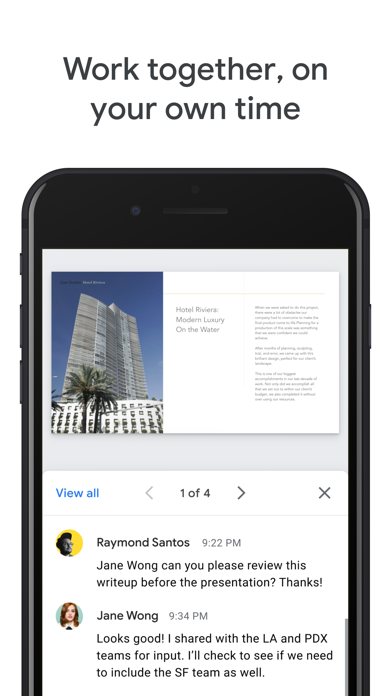
* Share presentations and collaborate with others in the same presentation at the same time
* Work anywhere, anytime - even offline
* Add and rearrange slides, format text and shapes, and more
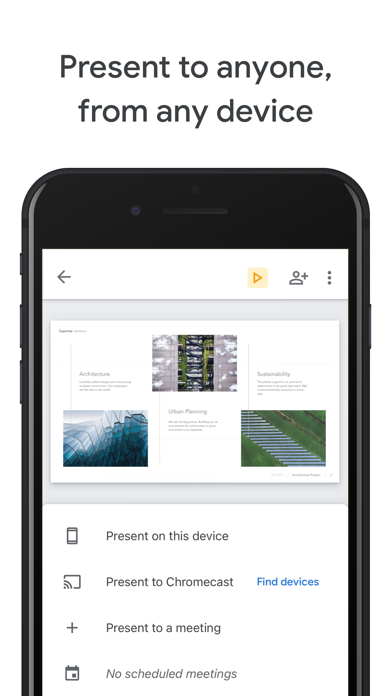
* Present right from your device
* Never worry about losing your work -- everything is automatically saved as you type
* Present slides to video calls - scheduled meetings will automatically appear
* Open, edit, and save PowerPoint files
Google Slides is part of Google Workspace: where teams of any size can chat, create, and collaborate.
Google Workspace subscribers have access to additional Google Slides features, including:
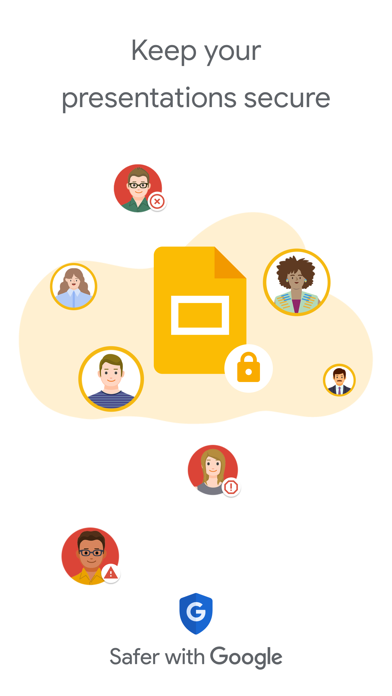
* Collaborating on a single presentation online with your business partner, your whole team, or external contacts. You control who gets permission to edit, view, or just add comments.
* Starting from scratch or expediting the process by choosing a template. You can enhance your presentations with videos, images, drawings, and smooth transitions.
* Working across PCs, Macs, mobiles, and tablets—View or even present your slides from your phone or tablet, so you have the option to practice your presentation up until the last minute.
Permissions Notice
Camera: This is used for camera mode in video calls and to insert images taken with the camera.
Microphone: This is used to transmit audio in video calls.
Photos: This is used to access photos under the control of Photos application to let the users pick images to insert into slides.
Frequently Asked Questions
Is Google Slides free?
Yes, Google Slides is free to download.
What is the rating of Google Slides?
Google Slides has a 4.5 out of 5 star rating based on 37.8K reviews on the Apple App Store.
Who made Google Slides?
Google Slides was developed by Google. Visit their website at http://www.google.com/slides/about/.
Developer
Explore More
Related Productivity Apps



Share & Embed
Use these badges on your website or blog to link back to this app's data.
Rating Badge
<a href="https://apppricinglab.com/app/apple/879478102"><img src="https://apppricinglab.com/api/badge/rating?store=apple&app=879478102" alt="Google Slides rating on App Pricing Lab" /></a>Rank Badge
<a href="https://apppricinglab.com/app/apple/879478102"><img src="https://apppricinglab.com/api/badge/rank?store=apple&app=879478102" alt="Google Slides ranking on App Pricing Lab" /></a>