
VidLab - Video Maker & Editor Price Snapshot
VidLab - Video Maker & Editor by Onelight Apps CY Ltd is free to download on the Apple App Store, with no in-app purchases. It holds a 4.5★ rating from 348 reviews.
Listing last updated: 2026-01-26. Source: public Apple App Store data, compiled via the App Pricing Lab methodology.
4.5★
348 reviews
2014-02-16
Released
2026-01-26
Last Updated
Rankings
| Category | Collection | Rank | Date |
|---|---|---|---|
| PHOTO_AND_VIDEO | keyword:photo and video | #128 | 2026-03-12 |
Screenshots
About VidLab - Video Maker & Editor
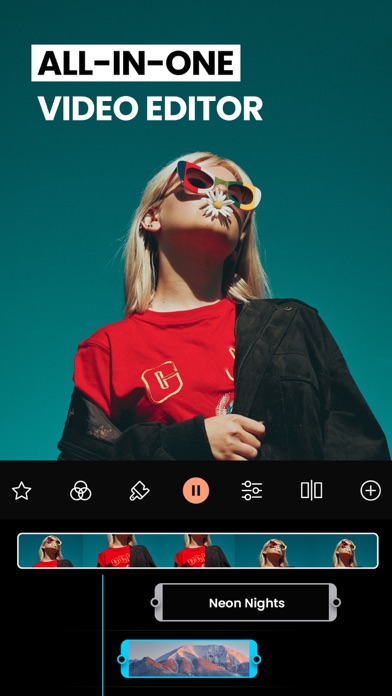
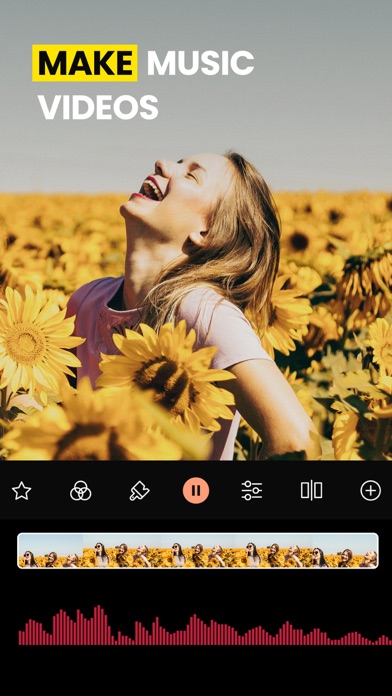
Try PRO features to create stunning videos with movie editor VidLab. Add music, text, apply filters, and make your videos look amazing!
VidLab is a multifinctional video editor that allows you to easily create beautiful or funny videos & photo stories by adding text, artwork, music, sound effects, overlays, voice-overs & more to your videos (and photos)!
Features:
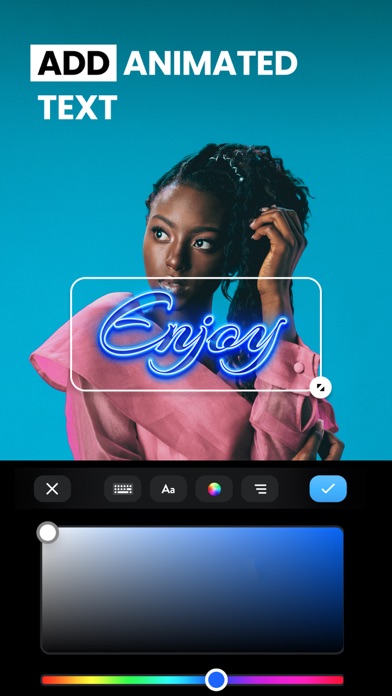
ADDING & ANIMATING TEXT OVER VIDEOS: choose fonts from a beautiful collection to add text over your videos. VidLab gives you full control of the positioning, animation, opacity, and size of your text. Ideal for the mobile creatives.
VIDEO COLLAGES: choose any of our unique collage templates to impress your friends, family & fans on social media.
ADD YOUR OWN FONTS: сhoose fonts from our wonderful VidLab collection or easily add custom fonts from your own collection.
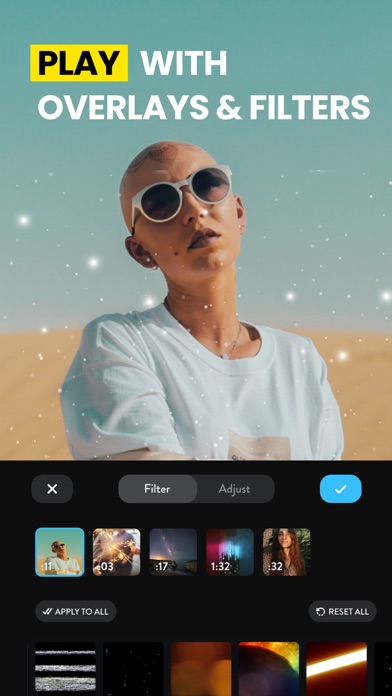
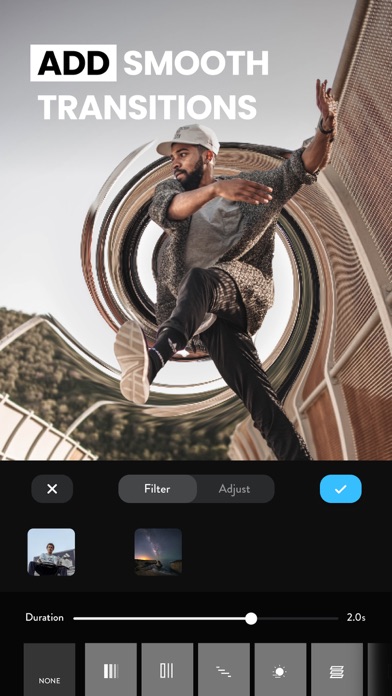
ADD STUNNING VIDEO EFFECTS & FILTERS: choose from an ever-growing collection of video effects, which includes light leaks, vintage & projection effects, snow & rain simulation, and many more.
PHOTO SLIDESHOWS: import photos to your video project or create your photo story to bring best moments to life.
ADD MUSIC & SOUND FX: import music from the entire iTunes catalog & choose sound effects to add them to your video. VidLab gives you full control for audio volume and fade ins/outs.
ADD IMAGES & LOGOS: you can import any image from your camera roll & phone library to your video or photo story project. This is an ideal solution for adding watermarks / logos, picture-in-picture or other transparent PNGs. Get creative!
Payment will be charged to your Apple ID account at the time of purchase confirmation. Subscription renews automatically unless it is canceled at least 24 hours before the end of the current period. Your account will be charged for renewal within 24 hours prior to the end of the current period. You can manage and cancel your subscriptions by going to your account settings on the App Store after purchase.
Privacy Policy: https://onelightapps.io/privacy-policy
Terms of Use: https://onelightapps.io/terms-of-use
Frequently Asked Questions
Is VidLab - Video Maker & Editor free?
Yes, VidLab - Video Maker & Editor is free to download.
What is the rating of VidLab - Video Maker & Editor?
VidLab - Video Maker & Editor has a 4.5 out of 5 star rating based on 348 reviews on the Apple App Store.
Who made VidLab - Video Maker & Editor?
VidLab - Video Maker & Editor was developed by Onelight Apps CY Ltd. Visit their website at https://www.onelightapps.io/.
Developer
Explore More
Related Photo & Video Apps


Share & Embed
Use these badges on your website or blog to link back to this app's data.
Rating Badge
<a href="https://apppricinglab.com/app/apple/791557660"><img src="https://apppricinglab.com/api/badge/rating?store=apple&app=791557660" alt="VidLab - Video Maker & Editor rating on App Pricing Lab" /></a>Rank Badge
<a href="https://apppricinglab.com/app/apple/791557660"><img src="https://apppricinglab.com/api/badge/rank?store=apple&app=791557660" alt="VidLab - Video Maker & Editor ranking on App Pricing Lab" /></a>