3.3★
31.6K reviews
5.0M
Installs
Jan 14, 20
Released
2025-11-09
Last Updated
Rankings
| Category | Collection | Rank | Date |
|---|---|---|---|
| TOOLS | topgrossing | #94 | 2026-03-10 |
Screenshots


About Screen Mirroring Z - TV Cast
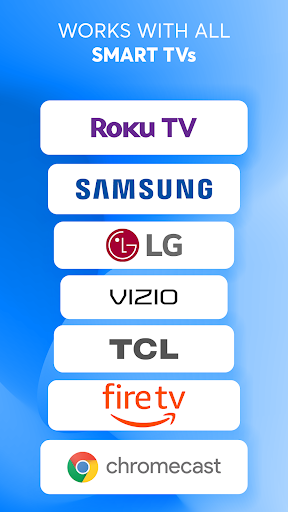
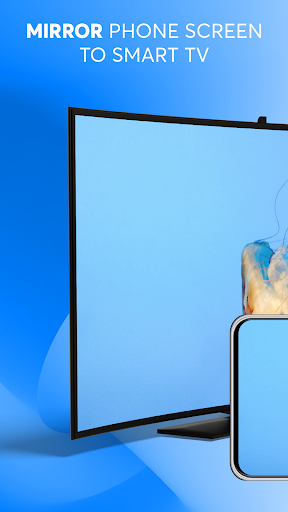
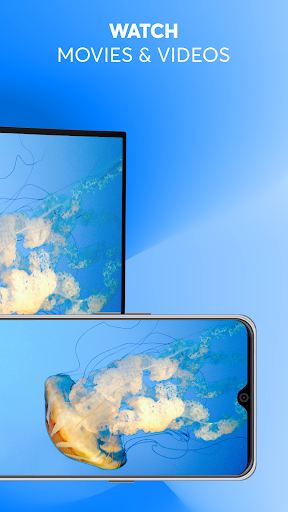
Screen Mirroring Z is an Android app designed to help users mirror their phone's screen wirelessly to any smart TV with no delay. With its simple user interface, it's the perfect tool for making presentations, watching movies, or playing games on a larger screen. The app is compatible with a wide range of TV models, including Roku, Samsung, LG, Sony, Chromecast, FireTV, TCL, Vizio, and Hisense.
To use Screen Mirroring Z, ensure your phone and TV are connected to the same WIFI network, tap the "connect" button, and start casting your photos, videos, and audio files to your TV. You can also cast Youtube videos and media files from Google Drive, as well as photos from Google Photos. Additionally, the app supports streaming IPTV channels to TVs.
Screen Mirroring Z is compatible with Chromecast, WebOS, DLNA, Miracast, and other TVs that support these protocols.
Please note that this app is not affiliated with any of the trademarks mentioned above.
Frequently Asked Questions
Is Screen Mirroring Z - TV Cast free?
Yes, Screen Mirroring Z - TV Cast is free to download. It offers in-app purchases.
What is the rating of Screen Mirroring Z - TV Cast?
Screen Mirroring Z - TV Cast has a 3.3 out of 5 star rating based on 31.6K reviews on the Google Play.
Who made Screen Mirroring Z - TV Cast?
Screen Mirroring Z - TV Cast was developed by EVOLLY.APP. Visit their website at http://evolly.app.